The o99o App — Cricket Bets and Slots in Your Pocket
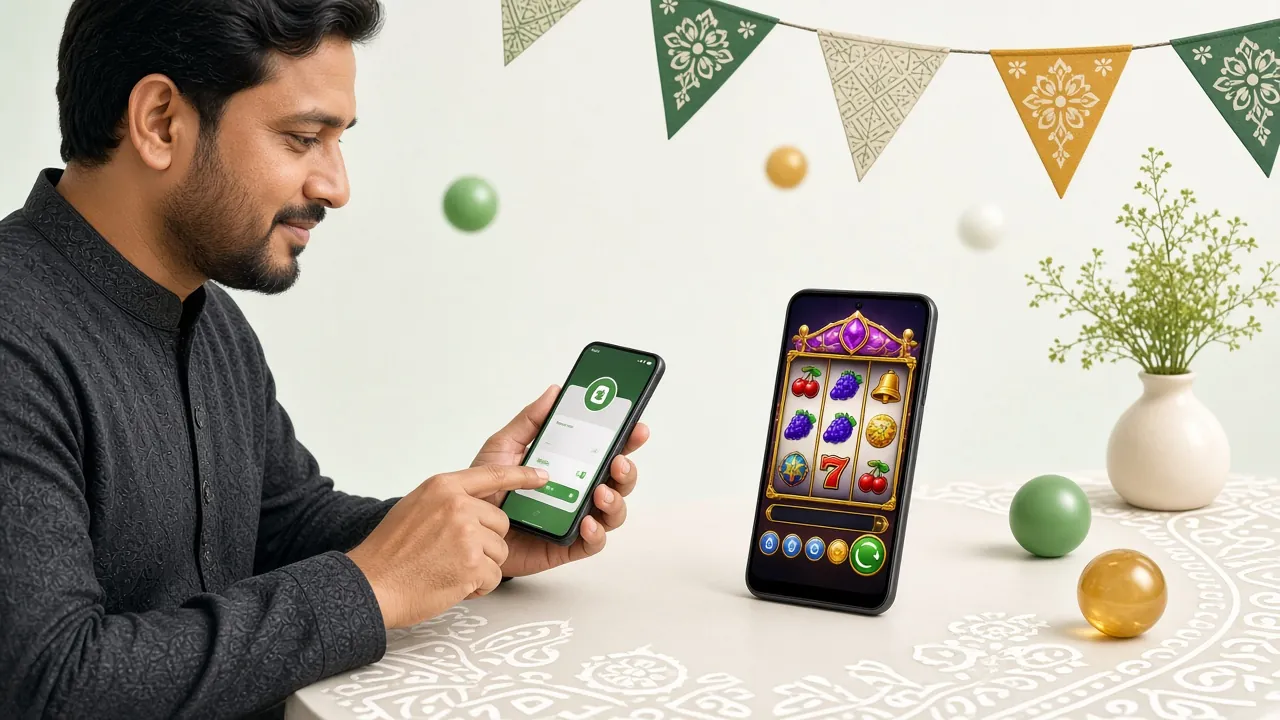
Install the free o99o App on any Android phone running version 8.0 or above. One APK file, under 45 MB, and you are ready to deposit via bKash, place live cricket bets, and spin over 3,100 slots, card games, and fishing titles. No browser tabs. No repeated logins.
- SSL Encrypted
- Android 8.0+
- bKash & Nagad
- 18+
Get the App — File Details and iOS Instructions
| Detail | Info |
|---|---|
| App Version | 2.5.0 |
| File Name | o99o.apk |
| File Size | 45 MB |
| Minimum Android | Android 8.0 |
| Last Updated | 14 November 2026 |
| Price | Free |
| Languages | English / Bangla |
| Platform | Android only (see iOS below) |
Tap the button above to download directly from o99o's server. Your browser may warn you about installing apps from outside Google Play — this is normal for APK files. See the installation steps below to allow it safely.
Scan to download on your Android phone without typing the URL.
iPhone Users: Add o99o to Your Home Screen
There is no iOS App Store version of the o99o App right now. iPhone and iPad users can still get a near-app experience by saving the website as a shortcut. It opens full-screen without the browser bar, just like a native app.
Open Safari
Go to o99o.cam in Safari. Chrome on iOS does not support the Add to Home Screen shortcut.
Tap Share
Tap the Share icon at the bottom of Safari — it looks like a box with an arrow pointing up.
Add to Home Screen
Scroll down in the share sheet and tap "Add to Home Screen". Rename it "o99o" and tap Add.
Open Like an App
The o99o icon now lives on your home screen. Tap it to open in full-screen mode without the Safari toolbar.
Games You Can Play the Moment You Install


The app gives you immediate access to over 3,100 titles across six categories. Slots, fishing games, live casino tables, and card games load within seconds on a standard mobile connection. Here are two popular picks:
-
Crazy 777 — JDB Slots Classic three-reel action. RTP 96.2%. Min bet ৳2, max ৳50,000. Loads fast even on slower connections.
-
Teen Patti — JDB Card Games Bangladesh's favourite card game, live on your phone. RTP 96.7%. Stakes from ৳10 up to ৳10,000 per round.
Install the o99o APK on Android — Step by Step
The process takes under three minutes on most phones. Your device must run Android 8.0 or above. If you are unsure of your version, go to Settings → About Phone → Android Version.
-
Allow Installation from Unknown Sources
Go to Settings → Apps → Special App Access → Install Unknown Apps. Find your browser (Chrome or the default browser) and toggle "Allow from this source" on. On some phones this setting is under Settings → Security → Unknown Sources. You only need to do this once. Android 8.0 made this per-app rather than a global toggle, so only the browser you use to download gets the permission.
-
Download the APK File
Tap the "Download APK" button on this page. Your browser will save the file o99o.apk (45 MB) to your Downloads folder. Wait for the download bar to reach 100% — do not close the browser tab mid-download, or the file will be incomplete and will not install.
-
Open the Downloaded File
Tap the notification at the bottom of your screen once the download finishes, or open your Files / My Files app, go to Downloads, and tap o99o.apk. Your phone will show an installation screen. If you see a "Parse error", the download was interrupted — delete the file and download again.
-
Tap Install and Wait
On the installation screen, tap Install. Android copies the app files, which takes roughly 10–20 seconds. Do not press the power button or navigate away during this stage. When you see "App installed", tap Open to launch the app immediately.
-
Log In or Register
The app opens at the login screen. If you already have an account, enter your username and password — or use the Quick Login button with your bKash number. New player? Tap Register inside the app to create your account in under two minutes. Need a web form instead? Use the o99o Register page.
What the o99o App Lets You Do
The app is not a stripped-down version of the site. Every feature available on the desktop is on your phone. Here is what matters most for Bangladesh players.
-
Quick Login with bKash Number Skip typing long passwords. The app can verify your identity through your registered mobile number, so you are inside your account in seconds.
-
Deposit and Withdraw Inside the App Add funds via bKash, Nagad, Rocket, or Upay without leaving the app. Minimum deposit is ৳250. Withdrawals process in roughly 4 minutes. Minimum withdrawal is ৳1,400.
-
Live Cricket and Sports Betting Follow IPL, BPL, T20 World Cup, and other live matches. Place in-play bets as wickets fall. Odds update in real time.
-
Full Game Library Access All 3,100+ titles from Ezugi, Spribe, Habanero, JDB, and Playtech are available. Slots, fishing games, live tables, and card games — all touchscreen-optimised.
-
Push Notifications for Bonuses Turn on notifications to receive alerts when your reload bonus is credited, when a match is about to start, or when a withdrawal is approved.
-
24/7 Live Chat Built In Open the support chat directly from the app menu. No need to open a browser or look for a phone number. Agents respond around the clock.
App vs Browsing on Mobile — Honest Comparison
Some players prefer not to install anything. The o99o website works fine on mobile browsers. But the app does have clear advantages if you play regularly. Here is the difference.
o99o App (APK)
- Loads the lobby in under 2 seconds on a 4G connection
- Push notifications for match starts and bonus credits
- Quick login — no need to re-enter credentials after each session
- No browser tabs competing for memory — smoother gameplay on mid-range phones
- Full-screen mode: no browser address bar taking up screen space
- Requires a one-time 45 MB download and "Unknown Sources" permission
- Android only — iOS users use browser shortcut instead
Mobile Browser
- Works on any device — Android, iPhone, older phones
- No installation required at all
- Always on the latest version automatically
- No push notifications — you must check the site manually
- Must re-login more often, especially after clearing browser cache
- Slower on weaker phones due to browser overhead
- Uses slightly more mobile data per session than the app
If you bet on cricket regularly or top up daily, the app is the better choice. If you only play occasionally from different devices, the browser version is perfectly usable. You can also do both — your account works on all platforms at the same time.
Playing on a Budget Phone or Slow Network
Not everyone is on a flagship device with a 5G SIM. The o99o App is built to run on everyday Android phones. These tips help you get a smooth experience even on 2G/3G or a low-memory device.
Close Background Apps
Before launching the o99o App, close other open apps. Even 1 GB of RAM is enough when the browser and social apps are not competing for memory. Use the recent apps button and swipe them away.
Prefer Wi-Fi or 4G
On 2G (EDGE/GPRS), live games may freeze. Use Wi-Fi or at least a 3G connection for live casino tables. Slots and card games load fine on 3G. If your signal fluctuates, enable airplane mode for two seconds to reset the connection.
Turn Off Screen Animations
Go to Settings → Developer Options → Window Animation Scale and set it to 0.5×. This makes menus and transitions feel much snappier on slower processors. If Developer Options is hidden, tap Build Number seven times in About Phone.
Keep 100 MB Free Storage
Android needs free space to run apps. If your phone's internal storage drops below 100 MB, games may crash on launch. Clear cached data via Settings → Storage → Cached Data regularly.
Use Data Saver Mode
Inside the app settings, the "Low Data" option reduces the quality of lobby images without affecting gameplay. This cuts per-session data use by roughly 30%, useful when on a limited mobile data plan.
Update the APK Regularly
Newer versions include performance patches. When an update notification appears in the app, tap "Update Now" to download the new APK — the process is the same as the original install and takes under two minutes.
Fix Problems Before They Stop You Playing
Most installation errors have a quick fix. The table below covers the five most common issues reported by Android users. If your problem is not here, contact the 24/7 live chat from inside the app or the website.
| Problem | Likely Cause | Fix |
|---|---|---|
| "Install blocked" message | Unknown Sources not enabled for your browser | Go to Settings → Apps → find your browser → enable "Allow from this source", then tap the APK file again. |
| "Parse error" on install | APK file was downloaded incompletely or corrupted | Delete the partial file from your Downloads folder, then re-download from this page. Check your data connection is stable before starting. |
| "Not enough storage" warning | Less than 50 MB free on internal storage | Free up space: Settings → Storage → Other Files. Delete files you do not need. The o99o APK requires about 50 MB to install. |
| App crashes on launch | Android version below 8.0, or low available RAM | Check your Android version under Settings → About Phone. Close all background apps and try again. If Android is below 8.0, use the mobile website instead. |
| Games freeze mid-session | Unstable network or background app using bandwidth | Switch from mobile data to Wi-Fi, or toggle airplane mode for 5 seconds to reset the connection. Close social media and video apps running in the background. |
Still stuck? The live chat button is in the bottom-right corner of the app. The support team is available around the clock and can walk you through the installation remotely.
Common Questions About the o99o App
01Is the o99o APK safe to install?
02My phone says "installation blocked." What do I do?
03How do I update the o99o App when a new version comes out?
04Can I use the same account on the app and the browser?
05Does the o99o App work on iPhone or iPad?
06What payment methods can I use inside the app?
Ready? Download the App Now
Free. 45 MB. Works on Android 8.0 and above. Already have an account? Log in here.
18+ · Play Responsibly · This site is intended for entertainment purposes only.